Unhook: Take Back Your Focus on YouTube
Unhook is a free Chrome extension that lets you remove YouTube suggestions, turn off YouTube recommendations, hide Shorts, comments, and other distracting elements so you can watch only the content that you deliberately choose to watch.
Trusted by over 500,000 active users worldwide, the Unhook Chrome extension is the most popular way to disable suggested videos on YouTube and create a completely distraction-free browsing experience on Google Chrome.

No Data Collected
100% Private Browsing
Active Users Worldwide
Chrome Web Store Rating
Customizable Toggles
Free Forever
What is the Unhook Extension?
The Unhook extension is a powerful and completely free Chrome extension designed specifically for people who want to take control of their YouTube browsing experience by removing distracting elements that YouTube uses to keep you watching for longer than you originally intended.
For Students
Focus on educational content without getting sidetracked by the YouTube algorithm. The Unhook YouTube extension helps you watch what you need for your studies and then move on to productive work, making it easier to turn off YouTube recommendations during study sessions.
For Professionals
Watch specific tutorials and training videos without getting pulled into endless recommendation loops. If you have been searching for how to remove videos from recommended on YouTube or how to disable suggested videos on YouTube, the Unhook extension is your answer.
For Parents
Create a safer YouTube Unhook environment for your children with granular control over every interface element through more than 20 individually customizable toggle switches, making it the best way to get YouTube unhooked and distraction-free for the whole family.
Unlike other YouTube blockers that simply restrict access to the entire platform, the Unhook Chrome extension takes a smarter approach by letting you keep using YouTube for its valuable content while removing only the algorithmic elements designed to create addictive browsing patterns. You can easily remove YouTube suggestions, turn off YouTube recommendations, and clear YouTube recommendations with just a few clicks.
Everything You Need for a Distraction-Free YouTube Experience
The Unhook extension gives you complete and granular control over every element of the YouTube interface, allowing you to toggle each feature individually to create your perfect unhooked YouTube browsing experience without distractions.

Hide YouTube Recommendations
The Unhook Chrome extension removes the addictive recommendation sidebar and homepage feed entirely, helping you turn off YouTube recommendations so you only watch videos that you intentionally search for and nothing else distracts your attention.
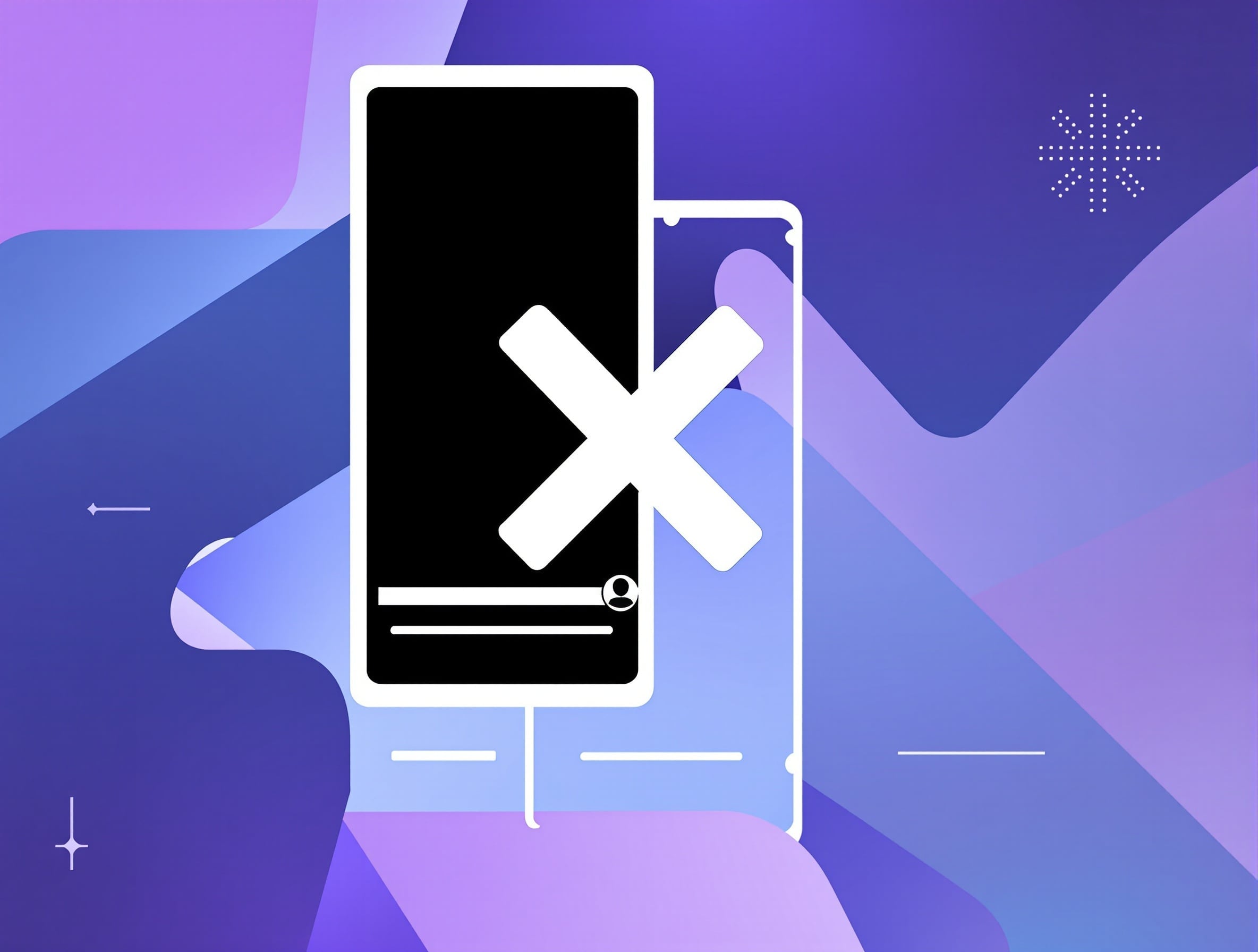
Block YouTube Shorts
Eliminate the endless YouTube Shorts feed that is specifically designed to keep you scrolling for hours, so you can stay focused on watching meaningful long-form content that actually adds value to your life and productivity.
Disable Autoplay
Stop YouTube from automatically playing the next video in a never-ending chain, giving you complete control over what you watch and allowing you to decide exactly when to stop watching without being tempted by suggestions.
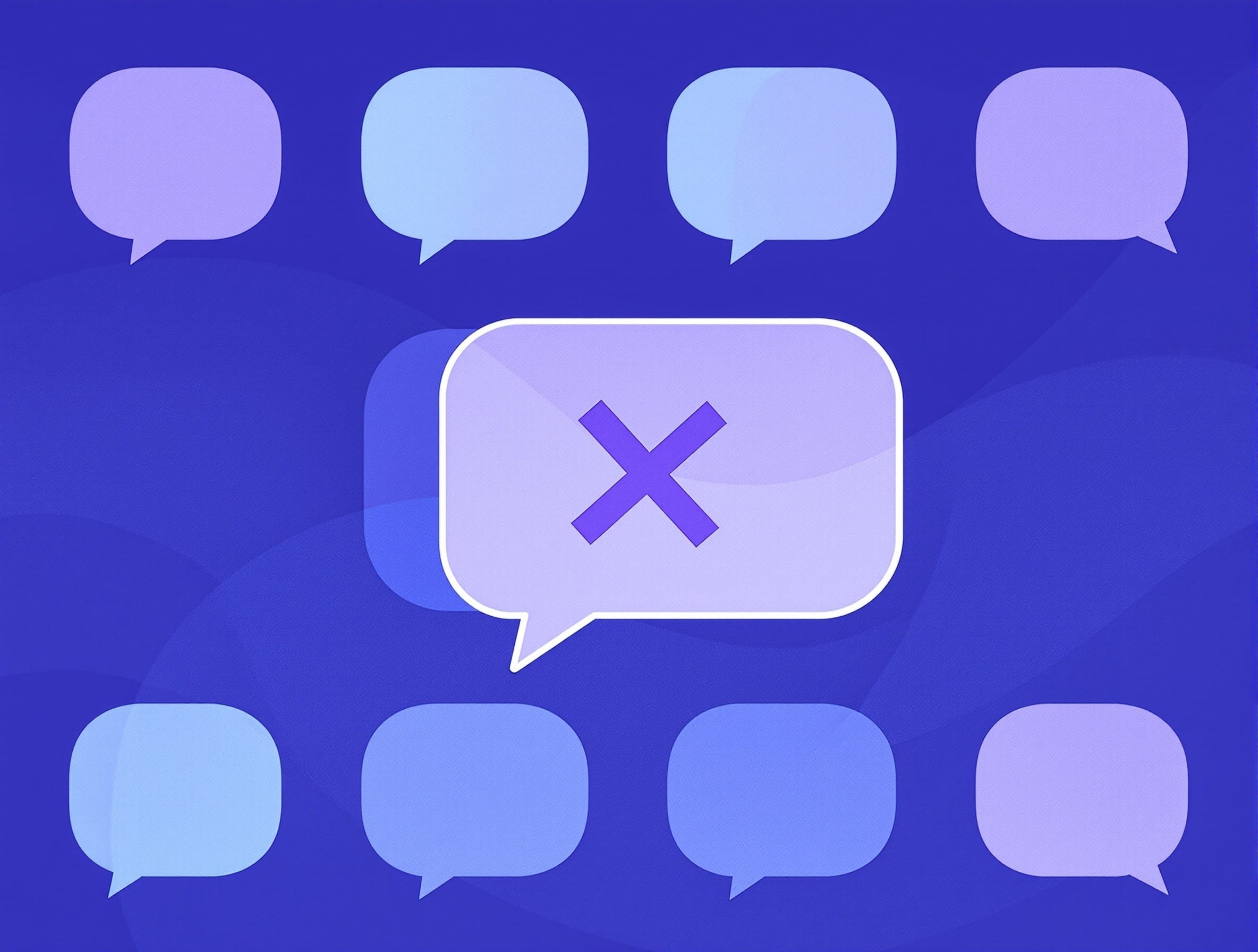
Hide Comments Section
Remove the entire comments section from YouTube videos to avoid negativity, arguments, and spoilers, allowing you to stay fully focused on the educational or entertainment content you are watching without distractions.
Install the Unhook Chrome Extension in 3 Simple Steps
Setting up the Unhook Chrome extension takes less than 30 seconds, and you can start enjoying a cleaner YouTube interface immediately after installation without needing to create any accounts or configure complicated settings.
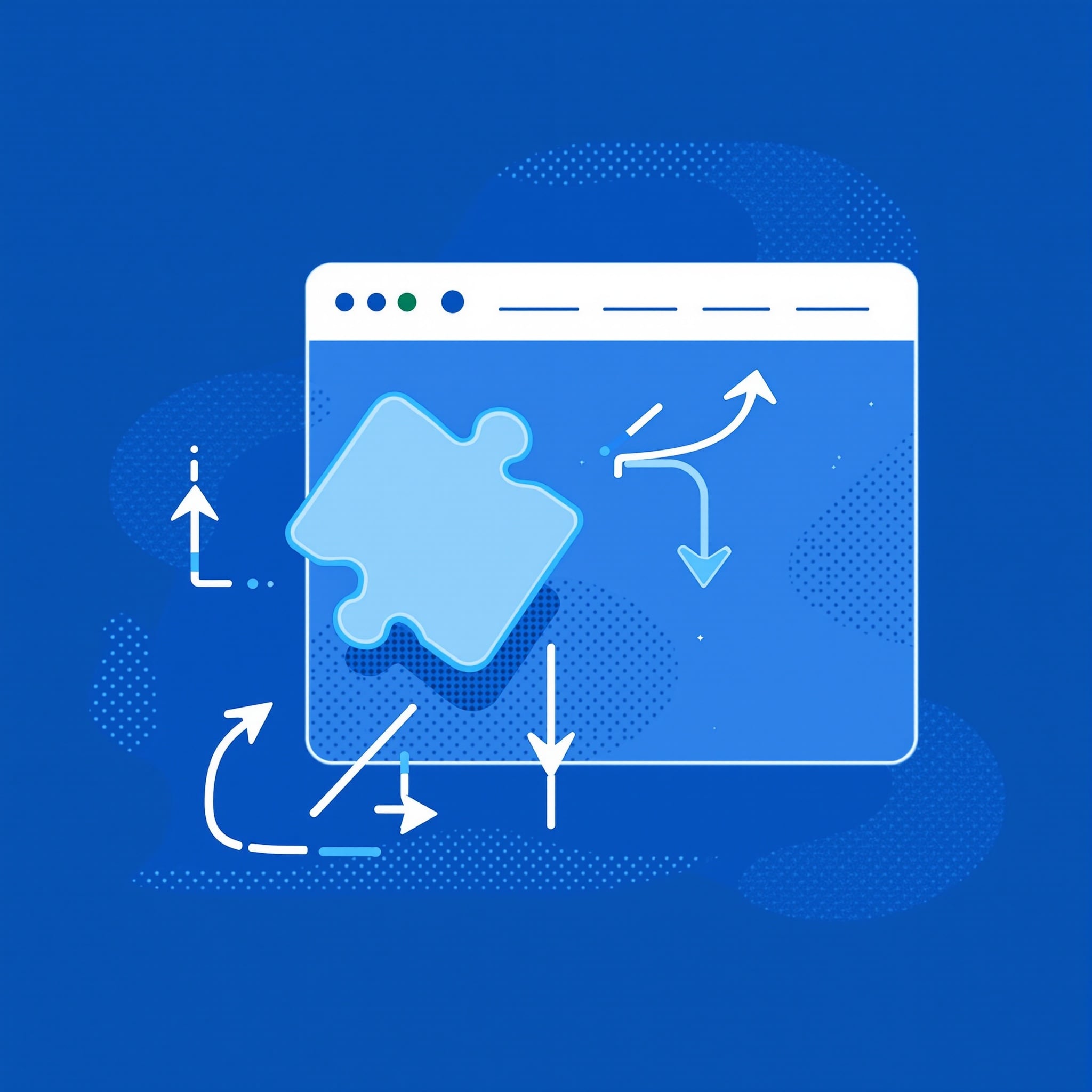
Install from Chrome Web Store
Add the Unhook Chrome extension to your Google Chrome browser in just one click from the official Chrome Web Store, and the installation process takes only a few seconds to complete.
Customize Your Preferences
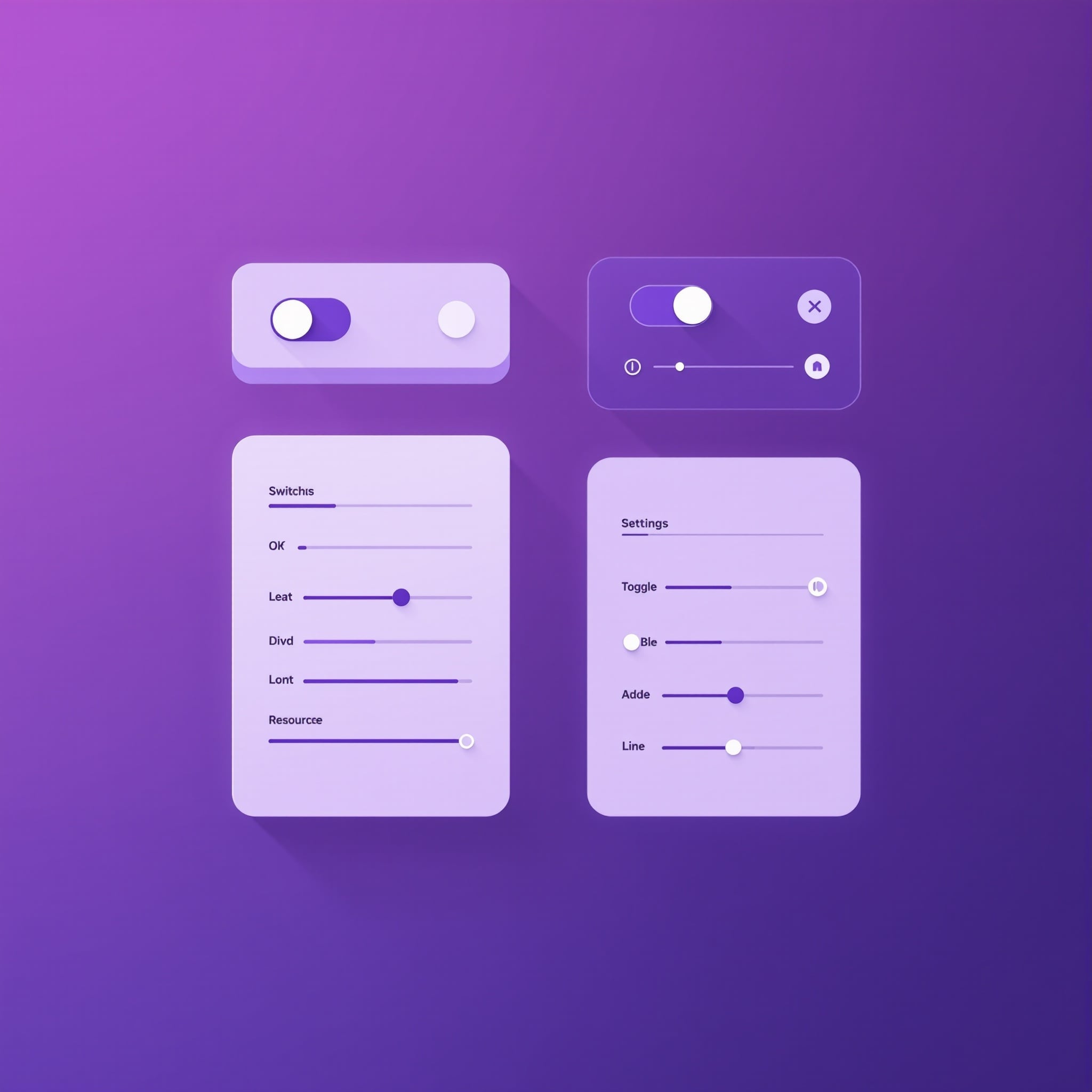
Open the Unhook settings panel and toggle exactly which YouTube interface elements you want to hide, including recommendations, Shorts, comments, and suggested videos that you find distracting.

Enjoy Distraction-Free YouTube
Start browsing YouTube with a clean, unhooked YouTube interface where you can finally watch only the content you deliberately choose without being pulled into endless recommendation loops.
Is Unhook Extension Safe to Use?
Yes, the Unhook extension is completely safe to use and has been trusted by over 500,000 users, earning a consistently high rating of 4.8 out of 5 stars on the Chrome Web Store.
Zero Data Collection
The Unhook Chrome extension operates entirely within your browser and does not collect, transmit, or store any personal data whatsoever, which means your browsing habits, watch history, and personal information remain completely private at all times.
Local Storage Only
All of your Unhook preferences and toggle settings are stored locally in your Chrome browser's storage, and the extension does not require you to create an account, provide an email address, or sign in to any external service whatsoever.
Open Source Code
The complete source code of this unhooked Chrome extension is publicly available for inspection, ensuring there are no hidden behaviors, tracking scripts, or malicious code, making the YouTube Unhook extension one of the most privacy-respecting extensions available.
Loved by Thousands of YouTube Users
See what real users are saying about how the Unhook extension has helped them reclaim their productivity and create a healthier, unhooked YouTube experience without constant distractions.
“Unhook completely changed how I use YouTube for my academic research, because I no longer fall down rabbit holes of recommended videos and I can watch what I need for my studies and then move on to productive work.”
Sarah M.
Graduate Student
“As a developer who frequently watches coding tutorials on YouTube, the recommendation algorithm was seriously killing my productivity every single day, but the Unhook Chrome extension lets me stay laser-focused on learning.”
David K.
Software Developer
“I installed the Unhook extension on my children's Chrome browsers and the difference has been absolutely amazing, because they now watch their educational content without being constantly pulled into endless Shorts and suggestions.”
Emily R.
Parent & Educator
Built with Privacy First Philosophy
The Unhook extension operates entirely within your Chrome browser without requiring any external connections, accounts, or tracking mechanisms, because your browsing habits and personal data should always remain completely private.
Zero Data Collection
All your Unhook extension settings and preferences are stored locally in your Chrome browser, and absolutely nothing is ever transmitted to external servers or third-party services.
Open Source & Transparent
The complete Unhook Chrome extension source code is publicly available for inspection on GitHub, ensuring there are no hidden behaviors, tracking scripts, or malicious code.
Trusted by 500K+ Users
Highly rated on the Chrome Web Store with thousands of positive reviews, and actively recommended by digital wellness communities and productivity experts worldwide.
Learn More About Unhook & YouTube Productivity
Read our guides on how to remove YouTube recommendations, disable suggested videos on YouTube, and create a focused browsing experience with the Unhook extension.
Ready to Take Back Your Focus?
Join hundreds of thousands who use Unhook to browse YouTube distraction-free. Free forever, no account required.